


Measure
Satisfaction scores by location and by service.
- Collect ratings after each visit by kiosk or QR code, and compare results across centres.
- Compare feedback results by outlet, department and property.

Nexus Surveys · Customer Feedback and Experience Measurement
Capture feedback at the moment of service, by kiosk or QR code, and measure the experience location by location.
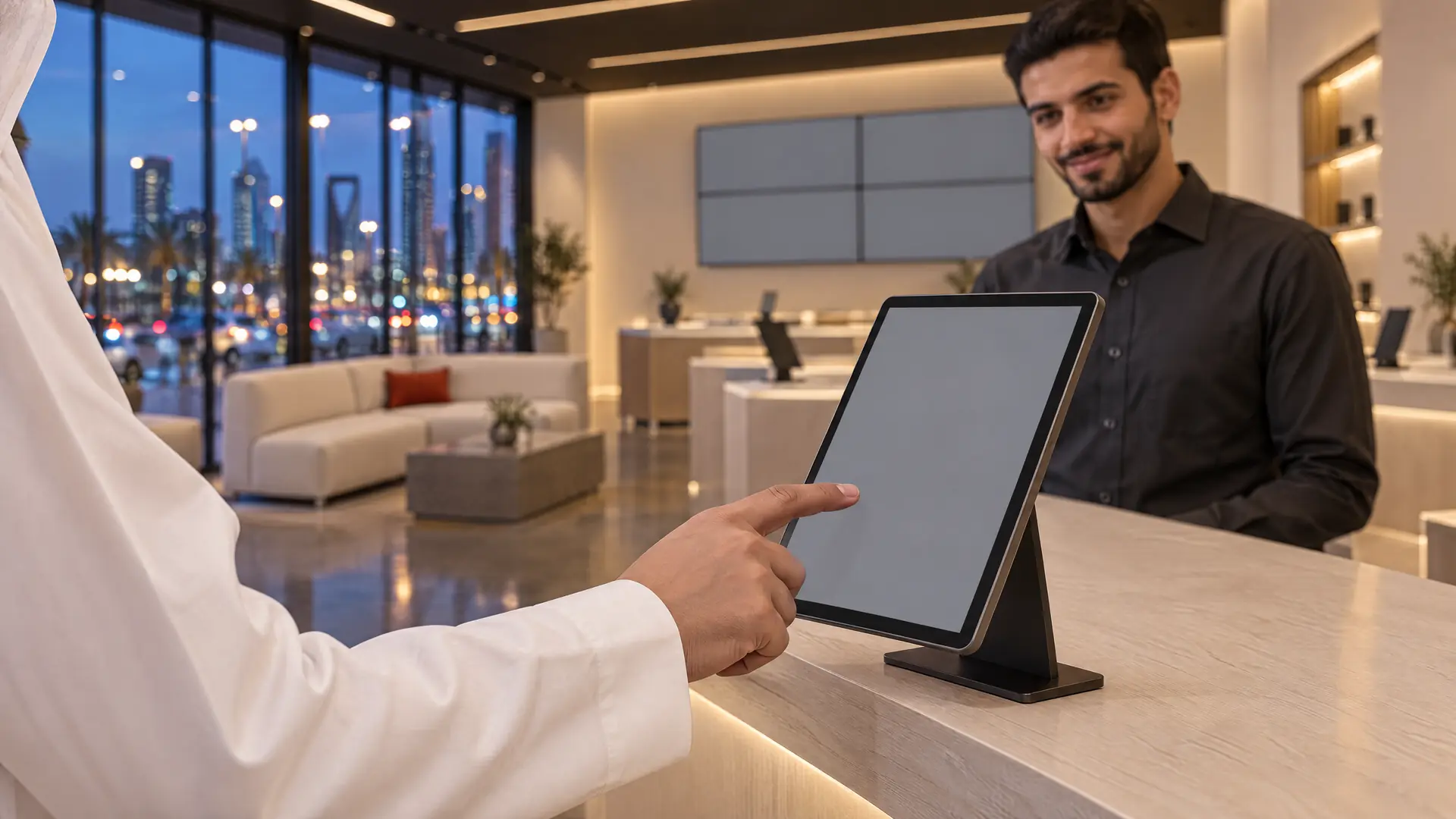
The best time to ask how a visit went is at the moment of service, not weeks later in a public review.
What sets it apart
Ask. Measure. Improve.
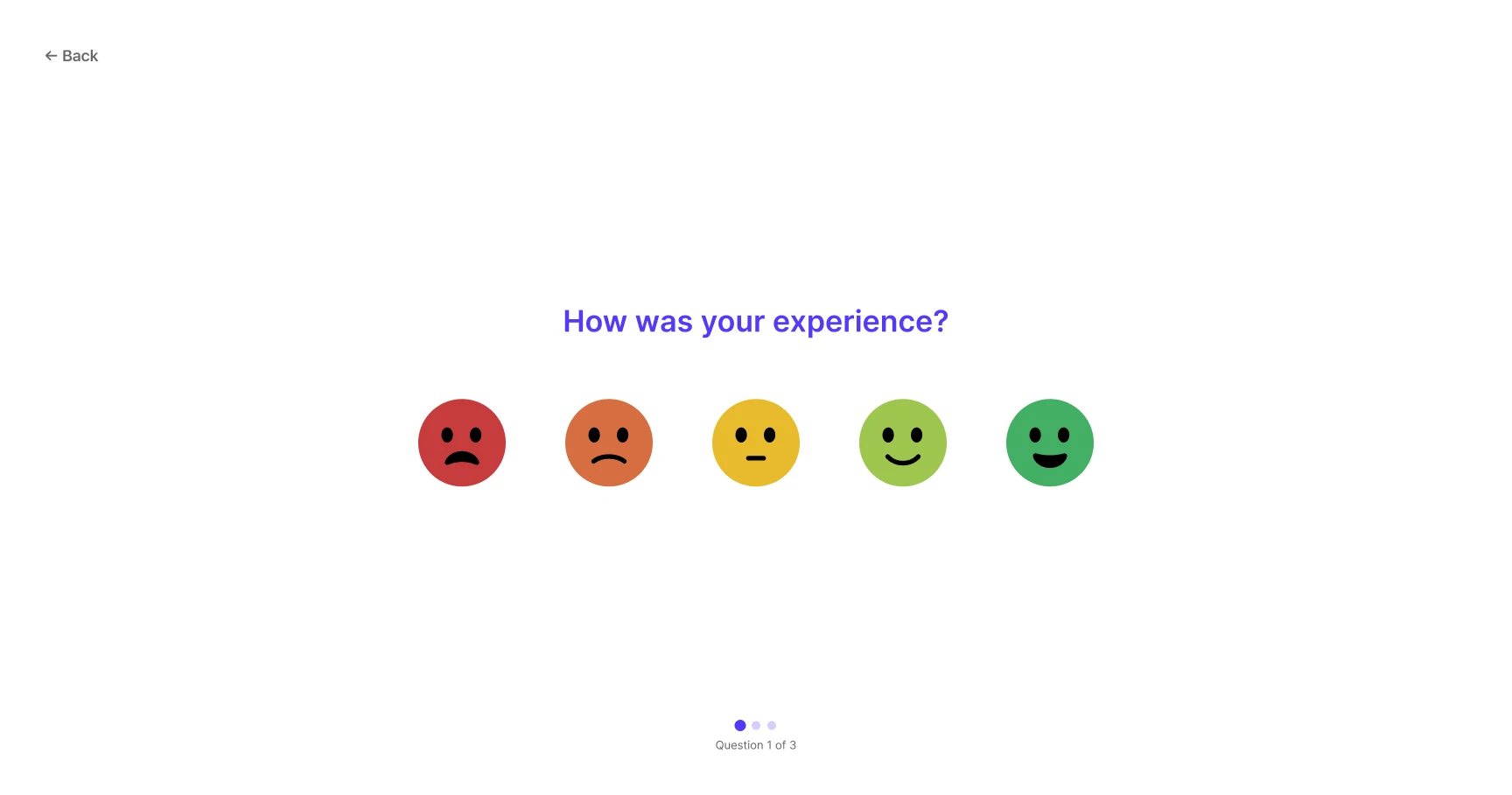
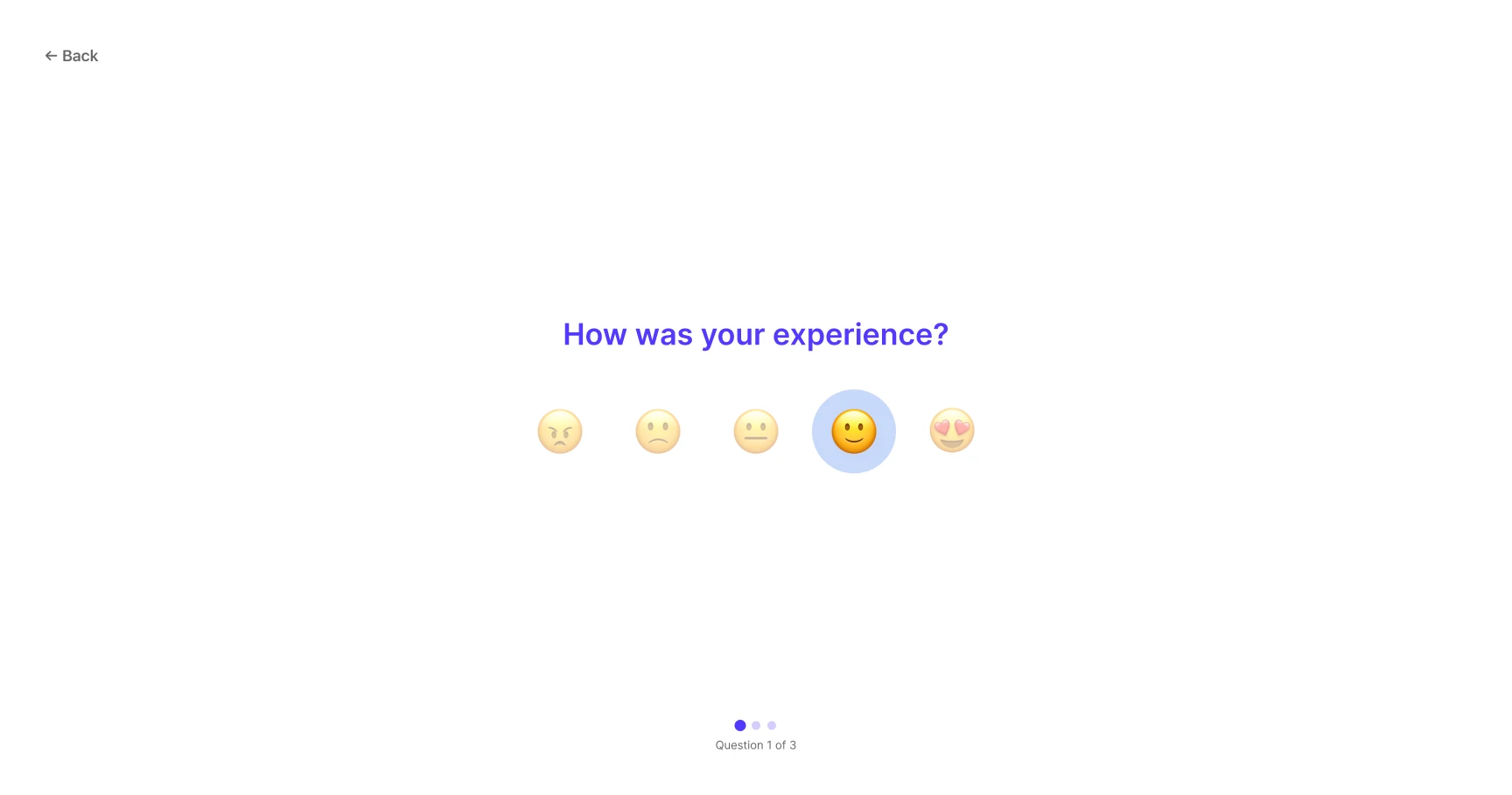
Short surveys at kiosks or by QR code, while the visit is fresh.
Short surveys where the service happens, results you can compare, and a clear view of where to act.
Interactive preview of Nexus design screens, not the working product

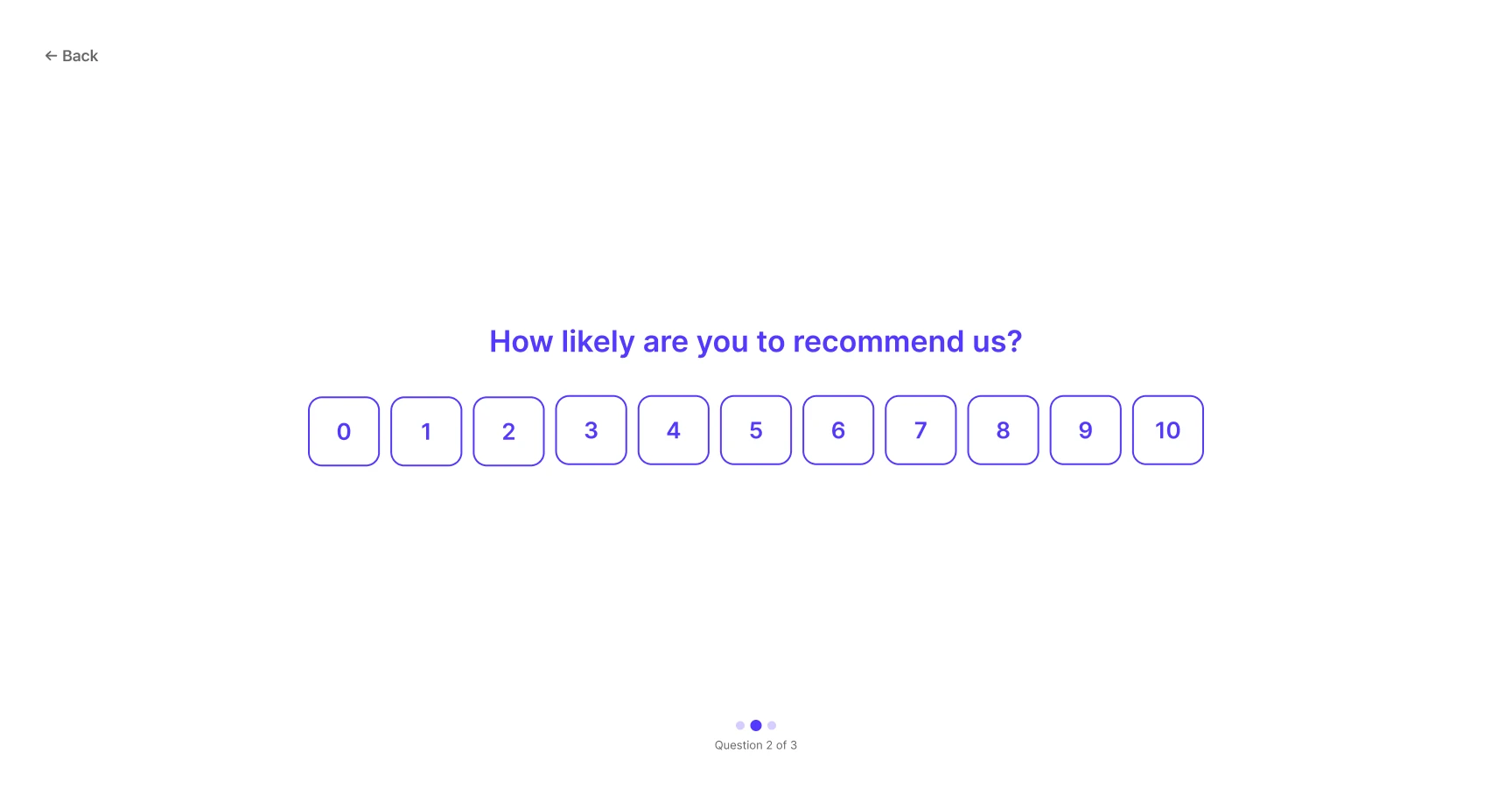
Survey respondent screens: Nexus Surveys.
Behind the survey
Short surveys at kiosks or by QR code, while the visit is fresh.

Satisfaction scores by location and by service.
See where experiences fall short and act on it.
Inside the product
Conditional logic
A question can be asked only when earlier answers meet its conditions, combined with AND or OR and set on answer ranges. After any question the survey can continue or finish. The publish-readiness panel warns when a question depends on one that may be skipped.
Built on

Survey designer: conditional logic and publish readiness. Sample data.
Multilingual experience
Each survey is edited language by language, with a counter of the strings still to translate. Add a language that is not on the list, set the default and the order customers see, and preview the kiosk in any of them. Arabic renders right to left.
Built on
English
How was your visit today?
Arabic, right to left
كيف كانت زيارتك اليوم؟
Kiosk and digital feedback
Between respondents the kiosk shows an attract screen with a promotional loop. After the thank-you screen, or when someone walks away, it resets on its own. Responses are cached on the device if the connection drops and sent without duplicates when it returns, and a paired kiosk reconnects after a restart.
Built on
Resets on its own after the thank-you screen, or when someone walks away
Terminal and fleet management
Every terminal shows whether it is online, offline and since when, never seen or not serving, and which survey and version it is running. Assign a survey to many terminals at once, grouped by location, see what will change before you save, and start or stop a survey on one terminal.
Built on
Survey builder
A draft is edited next to the live version, and changes save automatically. Before publishing, a readiness panel lists anything that blocks it. Publishing states that the live version will be replaced on the assigned terminals, and can assign the survey in the same step.
Built on
Analytics and feedback insights
CSAT, NPS and CES are shown with their change over the period and the number of answers behind them. Compare locations, departments and services with a minimum number of responses before a group is ranked, and open the responses behind any figure.
Built on

Capabilities in detail
Seven groups of capabilities, from the survey builder to analytics, and a directory of the capabilities described here.
7 groups · 135 capabilities · select a group, or search the complete directory below.
Survey builder · 28 capabilities
Build surveys from six question types, with a metric, a required setting and a label for every scale point.
135 of 135 capabilities shown
In your locations
During a stay, around the office or after an appointment: ask while the visit is still fresh.

Wall displays show illustrative notices.
Part of Nexus Cloud
Nexus Surveys works on its own. It shares one console and one sign-in with Nexus Signage and Nexus Queue, so you can start with one product and add the others when you need them.
Industries
See how organisations in your sector use Nexus Surveys, and which other Nexus products fit alongside it.
Resources

Brochure · Nexus Surveys
How Nexus Surveys helps teams collect customer feedback and act on it.

Datasheet · Nexus Surveys
The confirmed capabilities of Nexus Surveys, grouped by what teams do every day.

Overview sheet · Nexus Surveys
Nexus Surveys on one page: the problem, the product and the outcome.
Guide · Nexus Surveys
Use the measure that matches the decision you need to make. CSAT asks how satisfied a customer was with a specific visit or interaction.
Guide · Nexus Surveys
Compare branches on like-for-like terms.
Guide · Nexus Surveys
Use a kiosk where customers pass a fixed point after service and you want feedback without asking them to take out a phone.
Questions
Yes. Each product works on its own. You can add Nexus Signage or Nexus Queue later, in the same console and sign-in.
Yes. Nexus Surveys measures satisfaction by location and by service. Your locations and the services you want to compare are reviewed during the demo.
Supported hardware is confirmed for your locations during the consultation, before any rollout commitment.
Yes. Nexus Surveys is offered as a cloud deployment or installed on premises, according to your requirements.
Data-protection, hosting and privacy requirements are reviewed with your IT and compliance teams during the evaluation, before any deployment.
Yes. Besides the kiosk, the same survey opens in a phone browser from a QR code or web link, without installing an app. Each branch can have its own QR code, so answers are credited to the right location.
Yes. Rating-type questions can be scored as CSAT, NPS or CES.
Yes. A question can appear only when earlier answers meet a condition, and a condition can match a range of answers, such as any rating from 1 to 3. A survey can also end early when an answer meets a condition.
Yes. One survey can be offered in several languages, with a default and a set order. Arabic surveys display right to left on respondent screens.
The kiosk keeps responses if the connection drops.
Yes. From any metric you can open the individual responses behind it, and comments are listed in the language they were written.
Yes. The next version can be edited while the current one stays live. Before publishing, readiness checks list anything to fix, and a confirmation states that the live version will be replaced on the assigned terminals.
Net Promoter Score (NPS) was developed by Fred Reichheld, Bain & Company and Satmetrix (now part of NICE). Nexus Cloud did not create it: Nexus Surveys lets organisations measure it, and we credit its creators.
Net Promoter®, NPS®, NPS Prism®, Net Promoter System® and the NPS-related emoticons are registered trademarks of Bain & Company, Inc., NICE Systems, Inc. and Fred Reichheld. Net Promoter Score℠ is a service mark of Bain & Company, Inc., NICE Systems, Inc. and Fred Reichheld.
