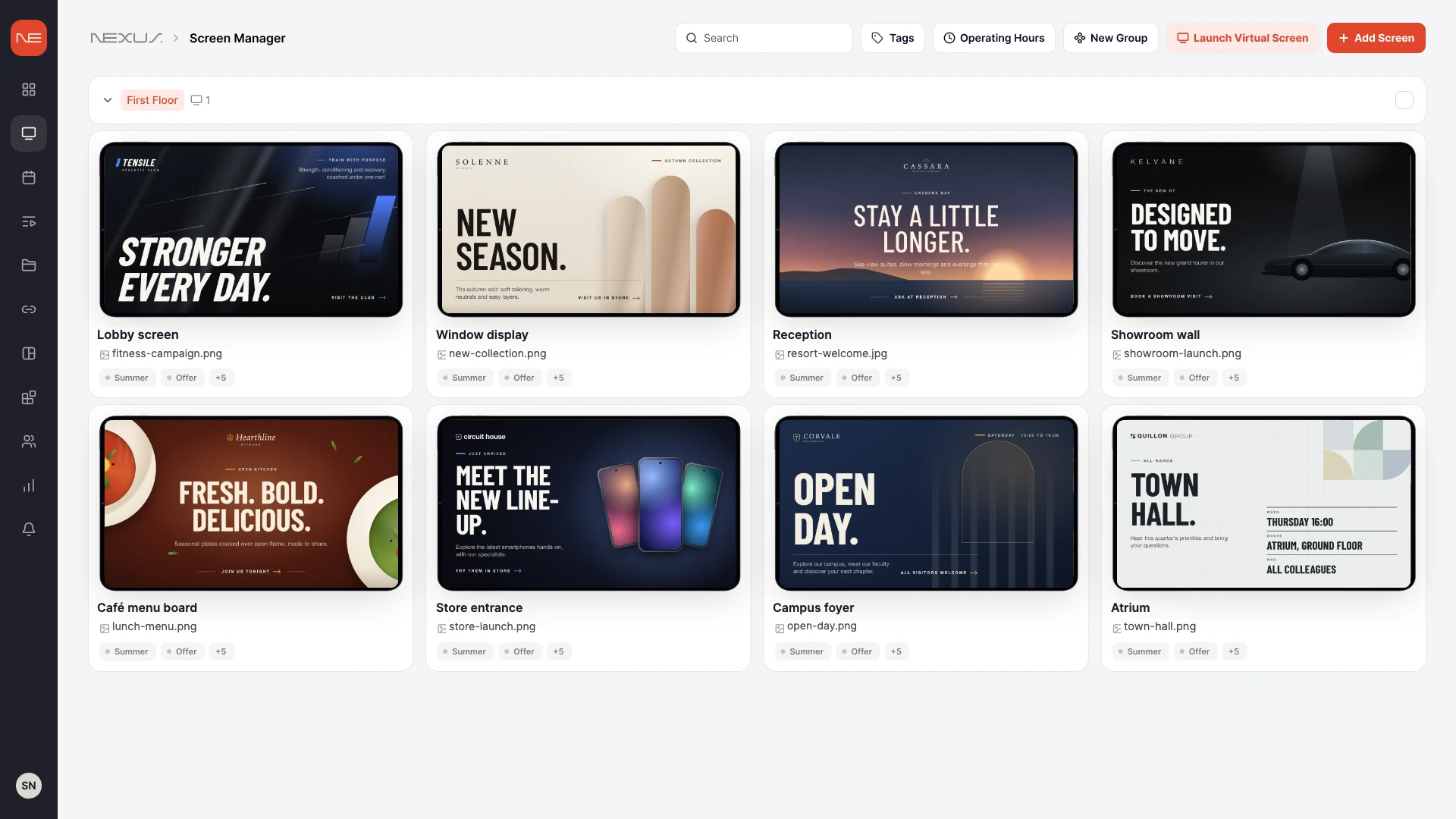
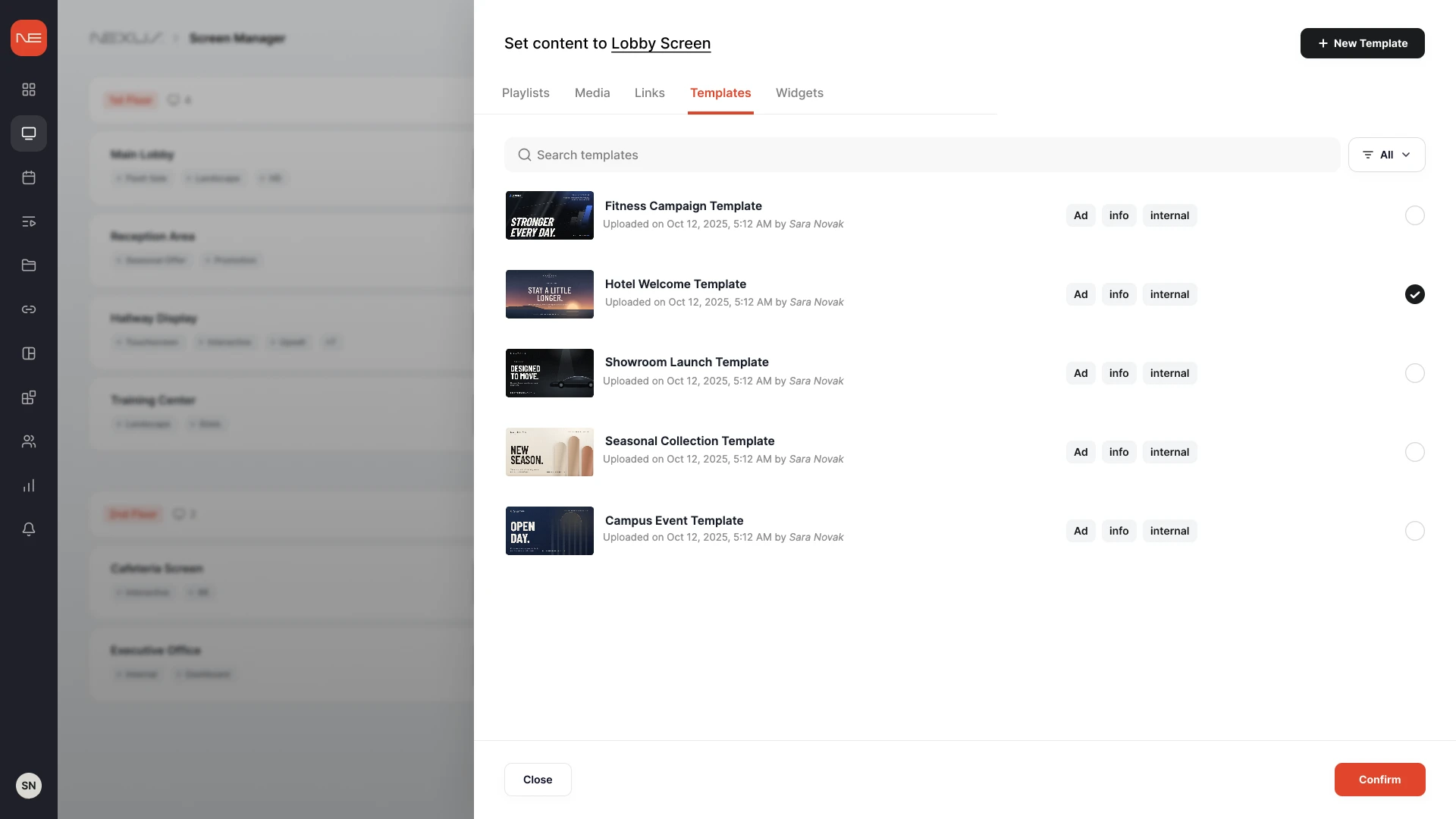
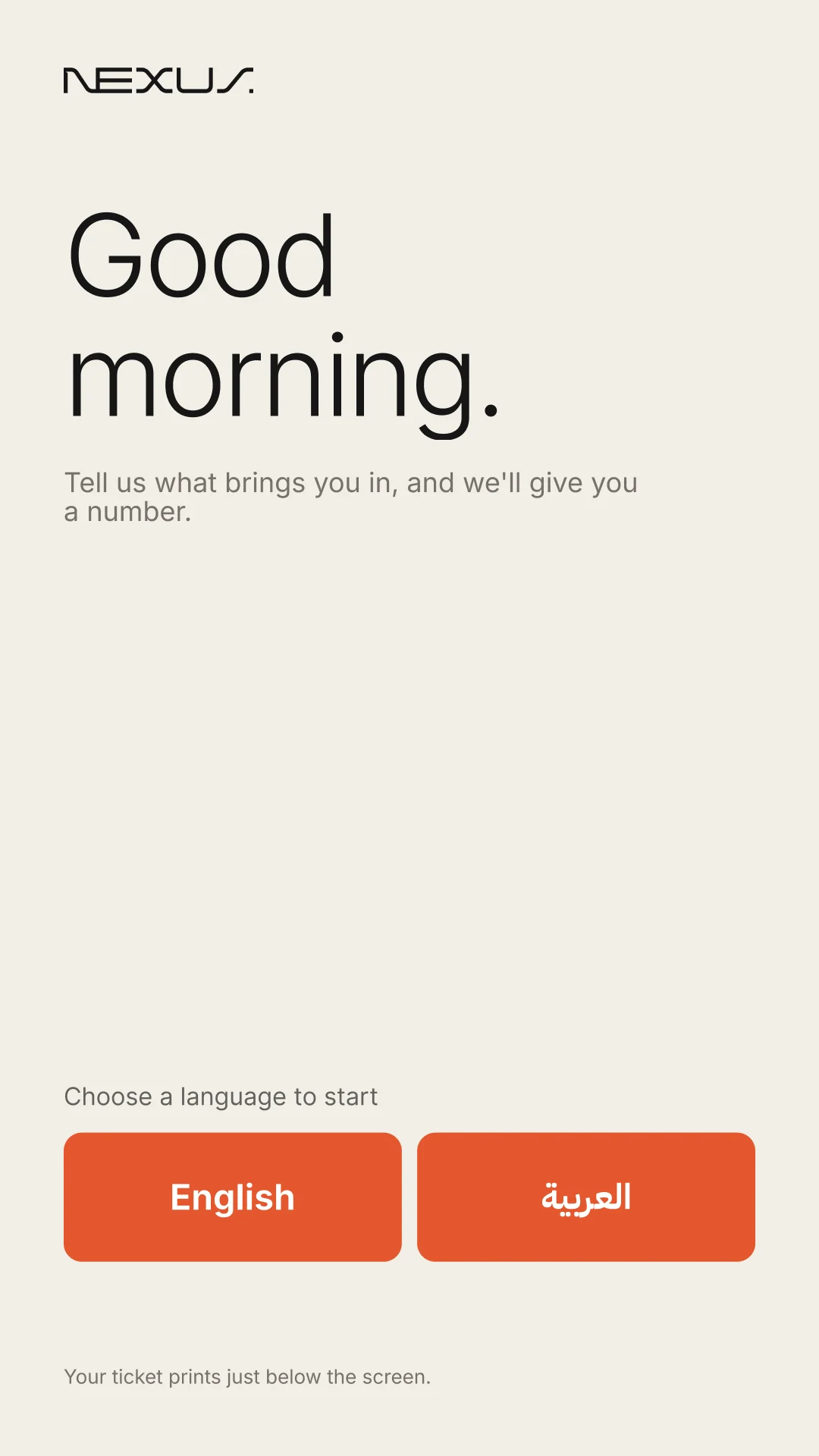
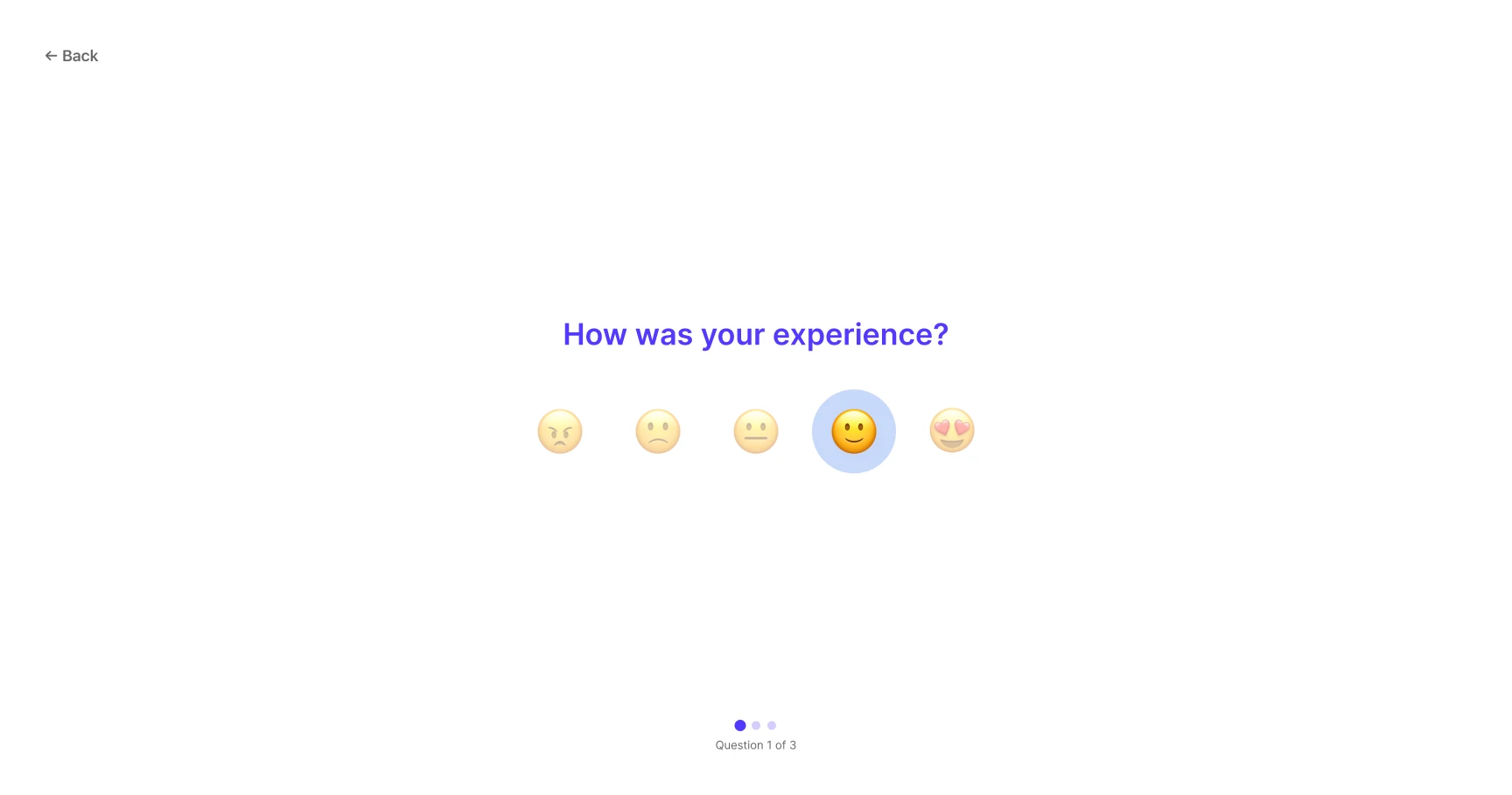
Nexus Cloud is the Unified Experience Platform for organisations that serve people in physical places. Nexus Signage, Nexus Queue and Nexus Surveys work from one console, with one sign-in.
Follow one customer through a telecom service centre. Each moment is handled by one Nexus product on its own, so every location deploys only what it needs.
Just arrived
Meet the new line-up.
Explore the latest smartphones hands-on, with our specialists.
Try them in store
circuit house
01 · Nexus SignageCampaigns and branch information on the large display
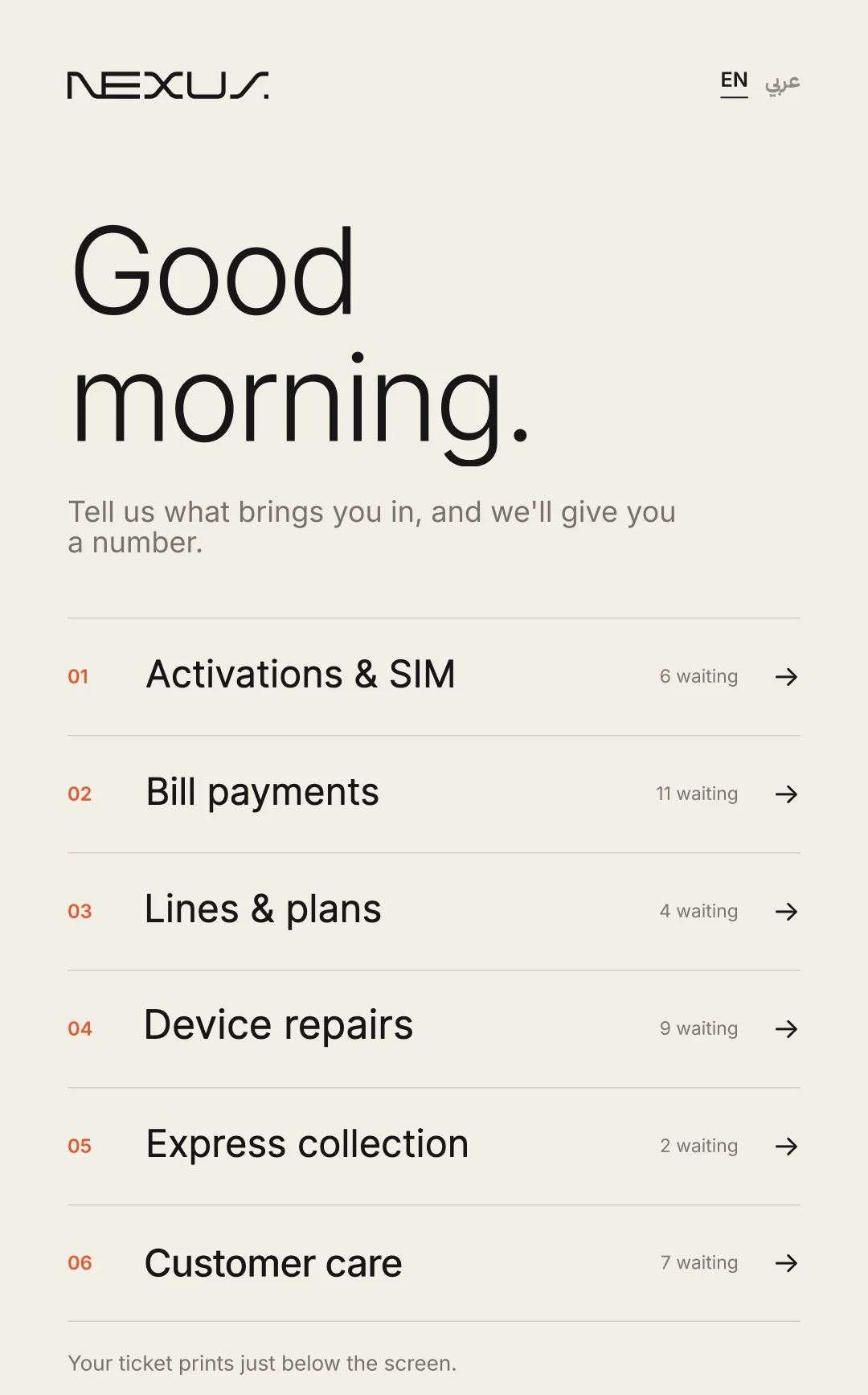
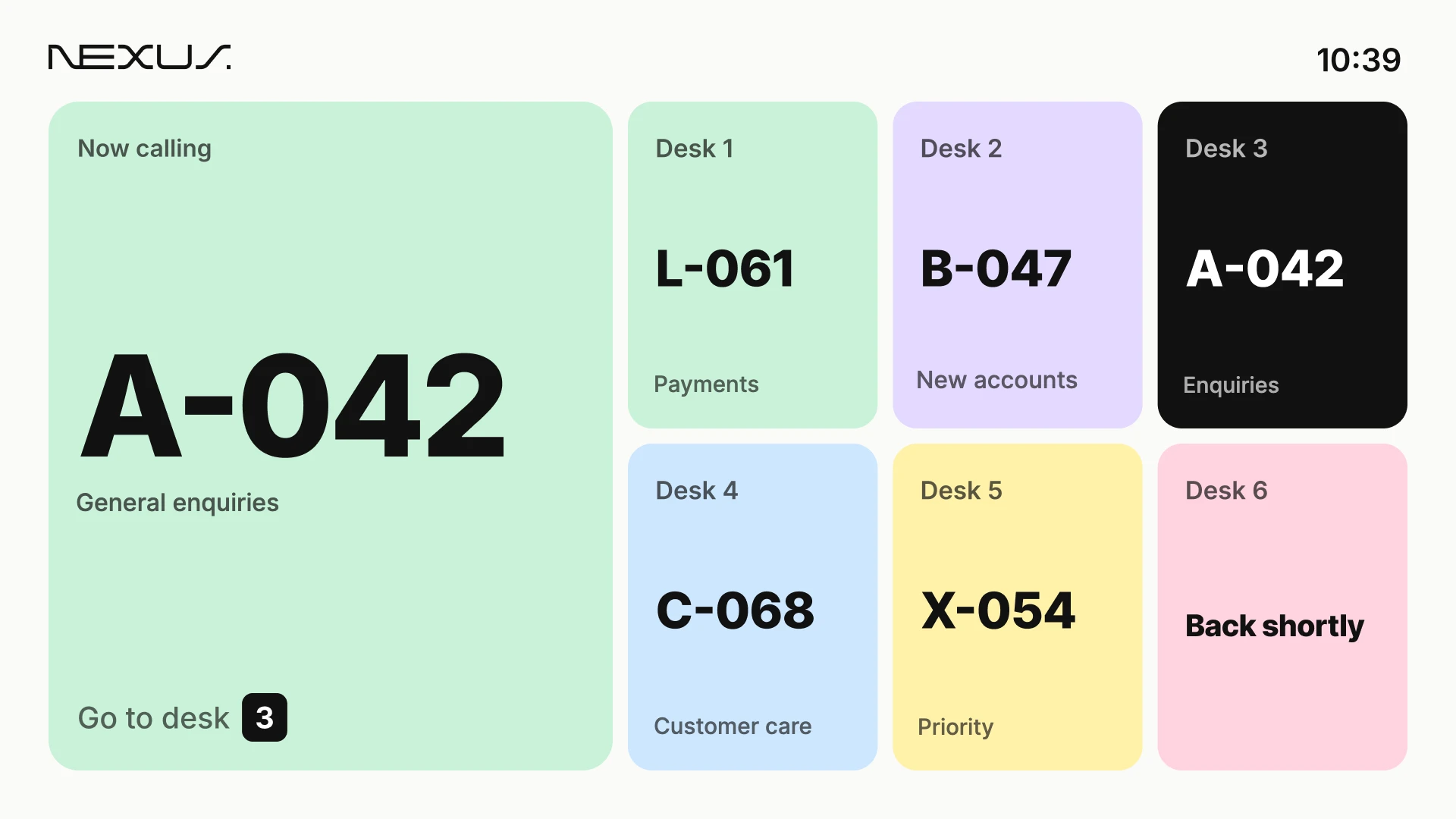
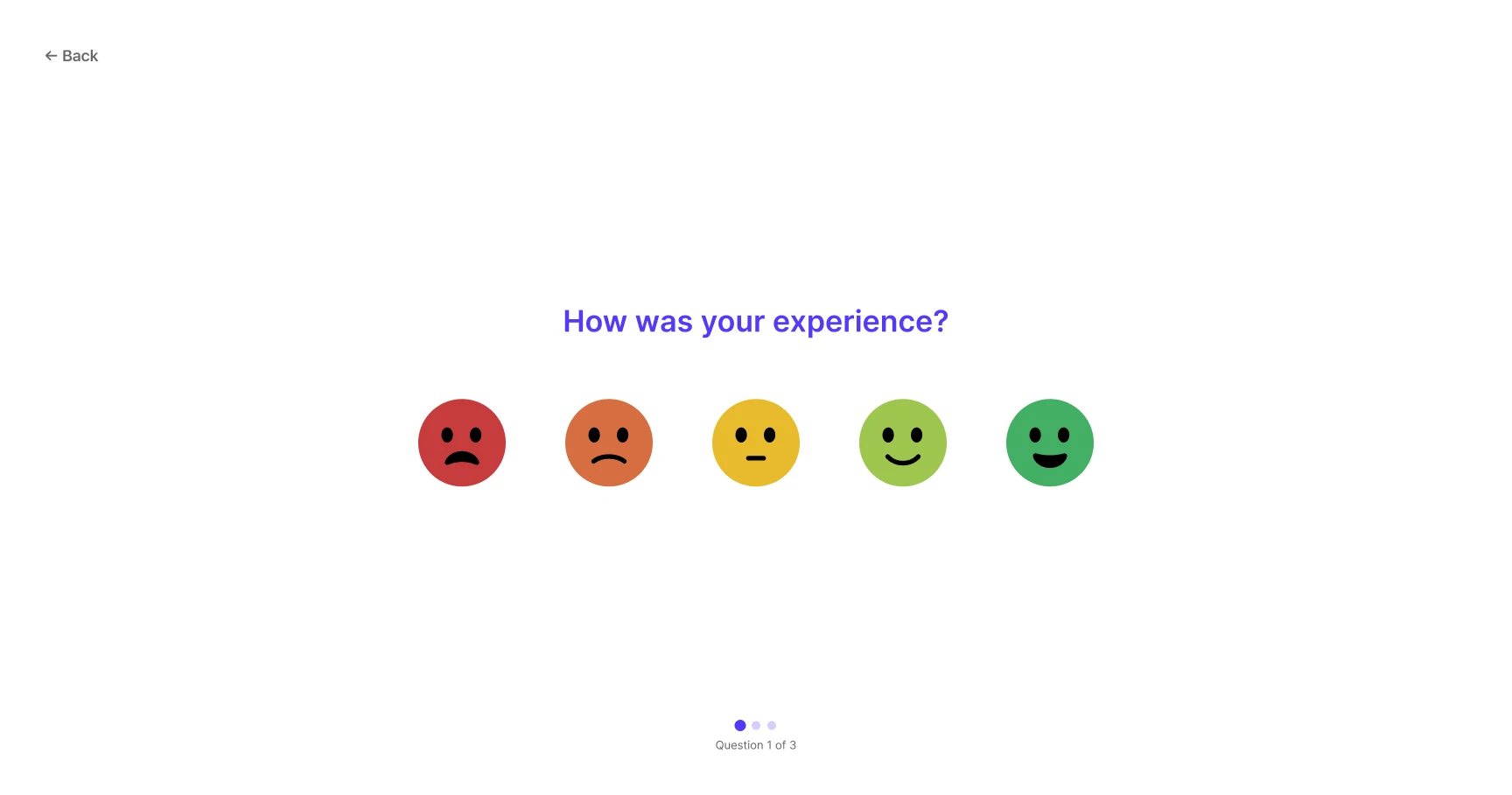
Kiosk, lounge display and tablet: Nexus Queue and Nexus Surveys with fictional services and ticket numbers. The large display plays a fictional campaign published with Nexus Signage.
Arrive
Wait
Be served
Share feedback
Across your environments
Different places. The right product for each.
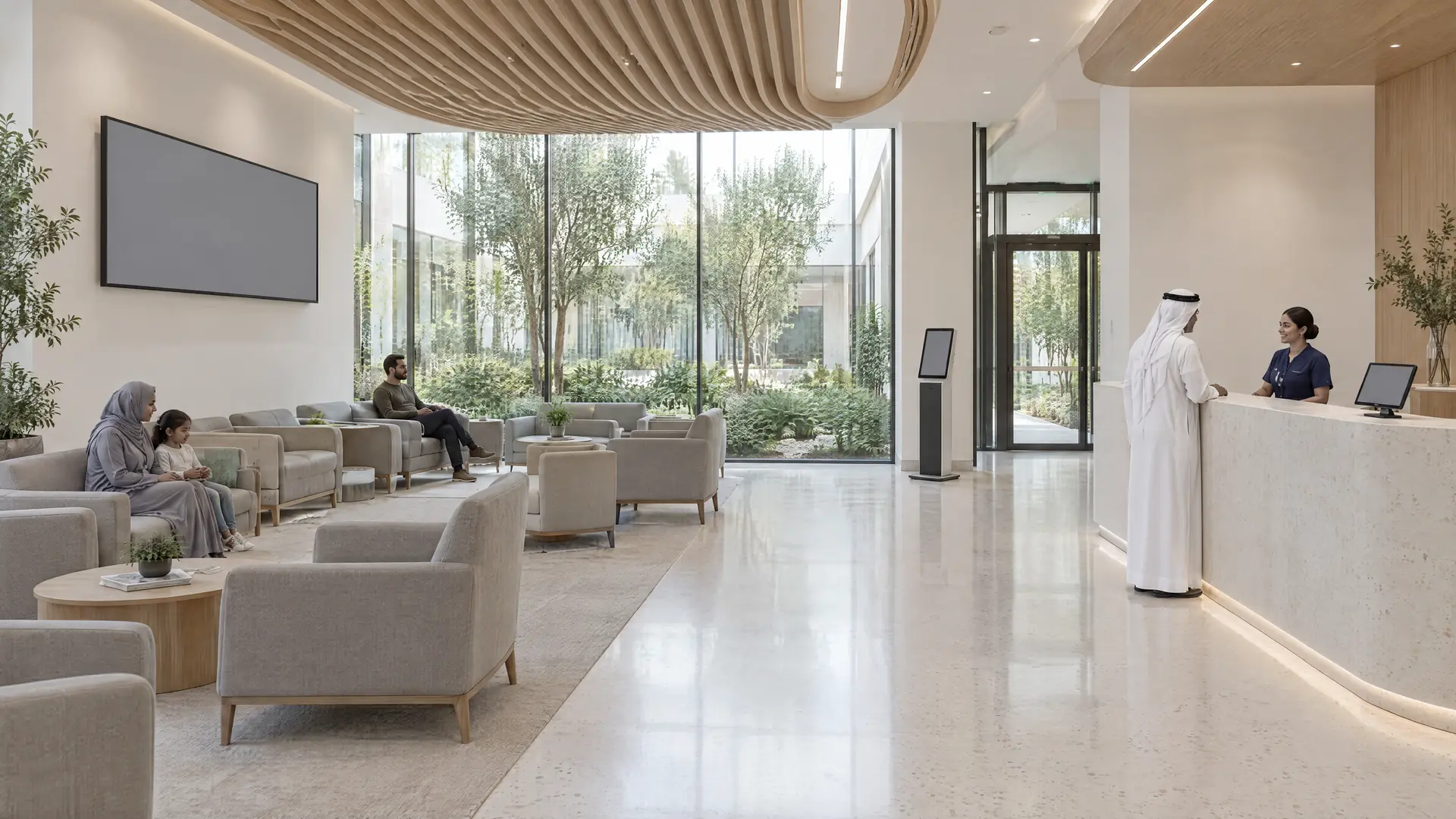
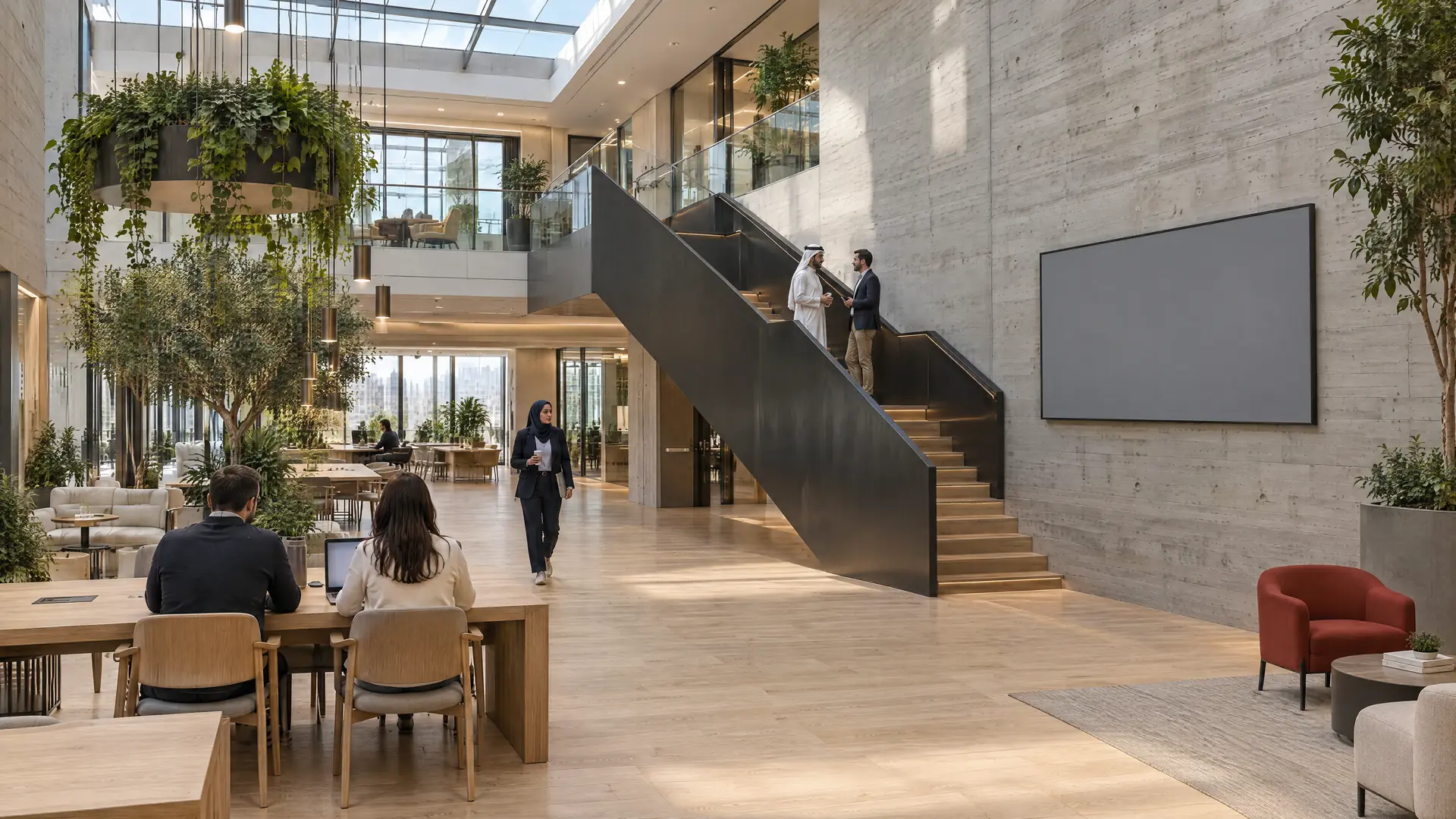
Stores, clinics, offices and hotels each need something different. Here is where each Nexus product does its work.
SOLENNESTUDIO
Autumn collection
New season.
The autumn edit: soft tailoring, warm neutrals and easy layers.
Visit us in store
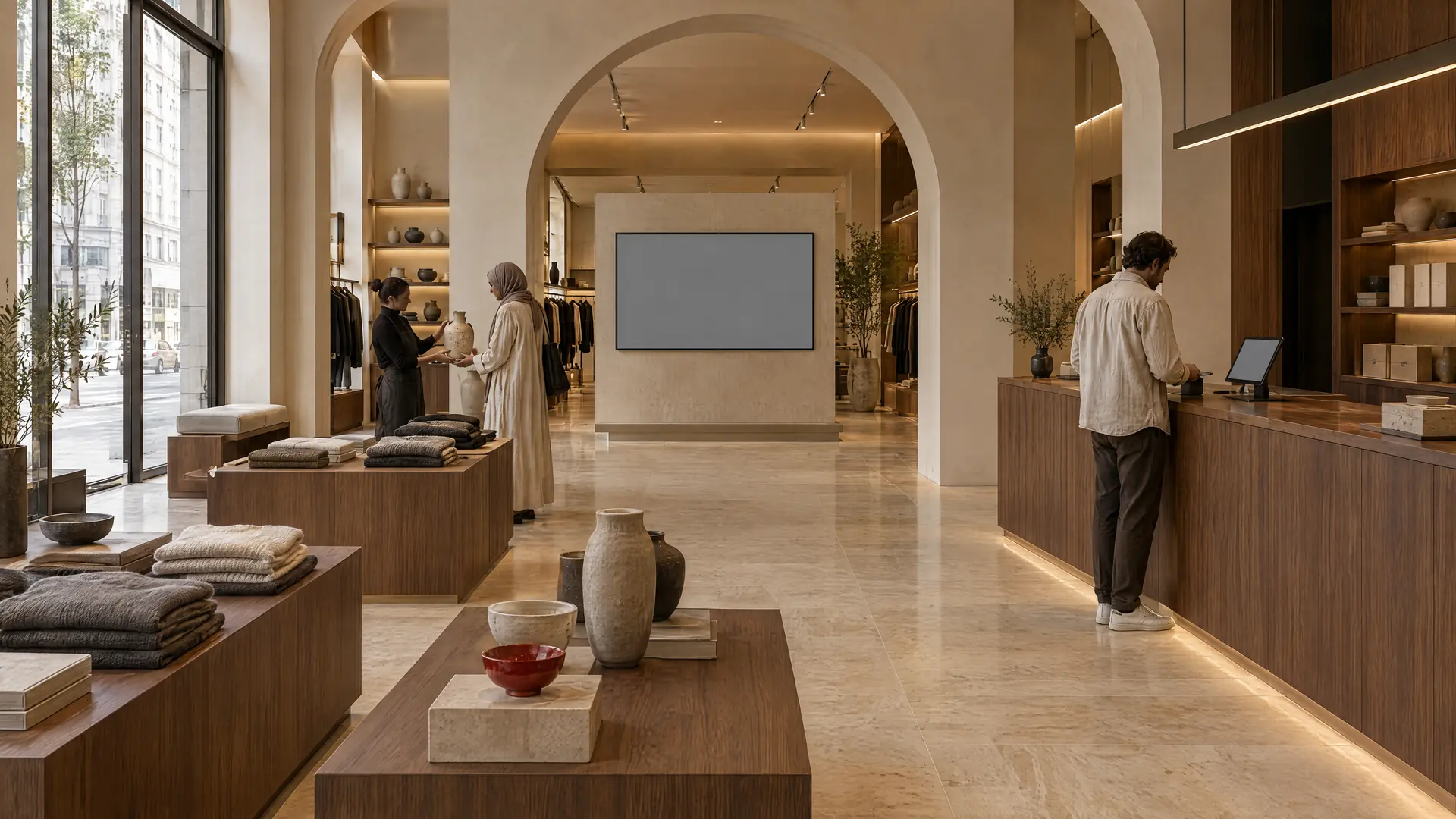
01Retail & Shopping Centers
The same campaign in every store, on time.
Nexus Signage
Campaign rollout across stores
Design a promotion once, schedule it by store group and publish it to every screen in the estate.
Each location uses the products it needs, and they run the same way from one console.
01Built for many locationsMade for organisations that run branches, stores, clinics, campuses or offices and want each one to work the same way.
02Start with one productWhat people see on your screens, how they are served and what they tell you afterwards. Start with one and add the others when you are ready.
03Your experience platform. Your deployment choice.Nexus Cloud is offered as a cloud deployment or installed on premises, according to your organisation’s requirements.
Nexus Cloud console
BranchQueueSignageSurveys
StoreSignageSurveys
ClinicQueueSignage
OfficeSignageSurveys
CampusSignageQueue
Service centreQueueSurveys
Illustration: each location uses the products it needs, managed from the same console.
Industries
One platform across sixteen industries
Choose your sector to see which products fit, what teams use them for and how they look in place. Each industry uses only the products that make sense for it.
All sixteen industries
Retail & Shopping Centers selected. All sixteen industries.
Central marketing and store operations teams publish promotions to in-store screens across the estate and hear from shoppers before they leave. Where stores run service counters, Nexus Queue organises the wait.
What teams can use it for
01Nexus Signage
Campaign rollout across stores
Design a promotion once, schedule it by store group and publish it to every screen in the estate.
02Nexus Signage
Messaging that follows trading patterns
Plan morning, weekend and seasonal content in advance, so screens change with the trading day rather than with staff availability.
03Nexus Signage
Know what each screen shows
Check from head office what every store screen is playing, instead of relying on photos or store-manager confirmation.
04Nexus Surveys
Shopper feedback at the exit
Ask a short question by kiosk or QR code at the till or exit, and compare satisfaction store by store.
Nexus Cloud is a Unified Experience Platform of three products, Nexus Signage, Nexus Queue and Nexus Surveys, which share one console and one sign-in.
Do the three products share one sign-in?+
Yes. The three products share one console and one sign-in.
Can we deploy Nexus Cloud on our own servers?+
Your experience platform. Your deployment choice. Cloud or on-premises, according to your requirements. We confirm the deployment design for each product with your IT team.
Can we start with one product and add the others later?+
Yes. Each product works on its own. You can add the other Nexus products later, in the same console and sign-in.
Can partners resell and implement Nexus Cloud?+
Resellers, distributors and system integrators can bring Nexus Signage, Nexus Queue and Nexus Surveys to their customers. Become a Partner to start the conversation.